
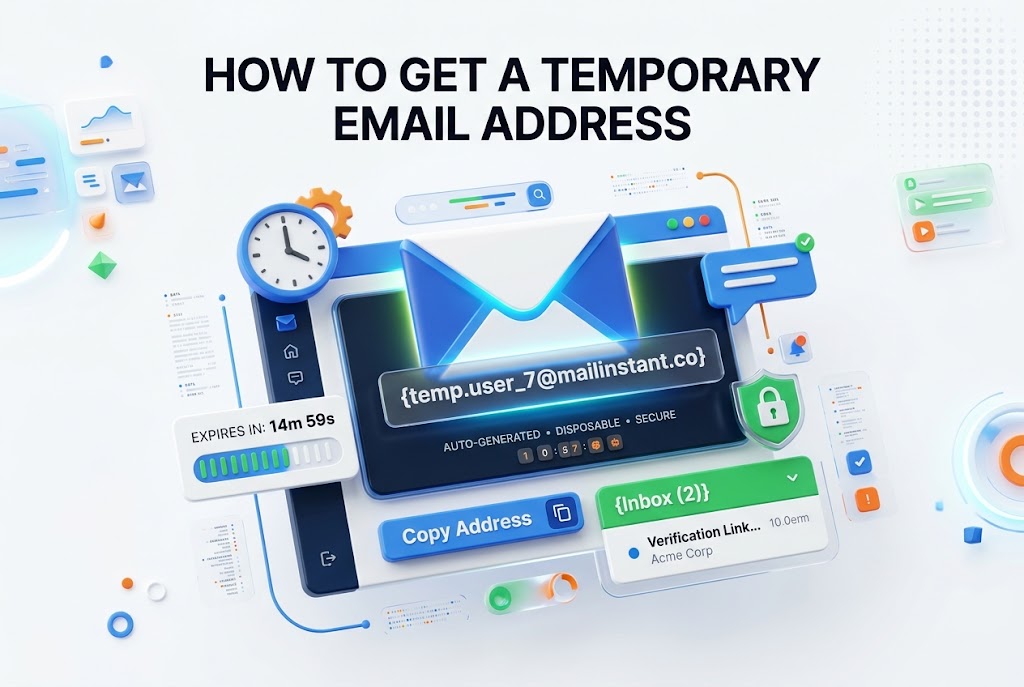
A temporary email address can be useful when you need quick access to a website, download a resource, test a service, or protect your primary inbox from unwanted messages. Instead of sharing your personal email everywhere, you can use a disposable inbox that receives messages for a limited time. Learning how to get a temporary email address gives you more control over privacy while keeping your main account cleaner.
Temporary email services are designed for short-term use. They typically provide an automatically generated address and let you receive verification codes, confirmation links, or one-time messages without registration. While they are convenient, they are not suitable for every situation. Knowing when to use one, how to choose a reliable provider, and what risks to avoid will help you use temporary email responsibly.
What a Temporary Email Address Does
A temporary email address is a short-lived inbox created for receiving emails without using your personal or work account. Many services generate the address instantly, while others allow you to select a custom username before the domain name.
These inboxes often expire after a set period, such as ten minutes, one hour, or a day. Some providers let you extend the expiration time, but the central purpose remains the same: receive short-term messages without keeping a permanent mailbox.
Reasons People Use Disposable Email Services
The most common reason to use a disposable email address is reducing spam. Websites, newsletters, free trials, and download pages may add your address to marketing lists, even when you only want access to one item or service.
Temporary inboxes are also helpful for testing. Developers, marketers, and website owners can use them to check registration flows, email confirmations, password reset links, and automated notifications without creating multiple permanent accounts.
Common Reasons to Use a Temporary Inbox
- Sign up for a one-time download
- Receive a verification code for a trial service
- Test an email registration form
- Access a coupon or limited offer
- Keep promotional emails out of your main inbox
- Register for a low-risk online forum
- Review how a website sends confirmation messages
How to Get a Temporary Email Address Quickly
Most temporary email providers make the process very simple. Visit a trusted disposable email website, and it will usually display a ready-to-use address on the main page. Copy the address, use it where needed, and keep the inbox page open.
When the website sends a message, refresh the temporary inbox or wait for automatic updates. You can then open the email, copy any confirmation code, or click a verification link. In many cases, no password, profile, or account setup is required.
Choosing a Reliable Temporary Email Provider
Not all temporary email services work the same way. A reliable provider should load quickly, display incoming messages clearly, and offer enough time to receive the email you need. It should also explain when messages and addresses will be deleted.
Look for a service with a simple privacy policy and a good reputation. Some platforms are blocked by major websites because their domains are widely known for disposable email use. Having access to more than one provider can be useful when one address is rejected.
Steps for Using a Temporary Email Safely
Start by deciding whether the website truly requires your personal email address. If you only need a single confirmation message and do not expect future account access, a temporary inbox may be an appropriate option.
Next, copy the address carefully and paste it into the registration field. Stay on the inbox page until the message arrives. If a confirmation link is required, open it promptly because the inbox may expire before you return.
Avoid sharing the temporary address with people or services that need to contact you later. Once the inbox expires, recovering messages or resetting a password may be impossible. Treat the address as a short-term tool rather than a replacement for email.
A Practical Temporary Email Checklist
- Confirm that the account does not need long-term access
- Copy the generated address exactly as shown
- Keep the inbox page open while waiting for messages
- Check the sender and message content before clicking links
- Save any important information before the inbox expires
- Do not use the address for banking, healthcare, or legal accounts
- Delete browser data if you are using a shared device
When a Temporary Email Address Makes Sense
Temporary email works well for situations where the relationship with a website is brief. For example, you may want a free template, a product sample, a webinar recording, or access to a public tool that requires email verification.
It can also help when evaluating unfamiliar websites. If you are unsure whether a company will send excessive promotions, using a disposable inbox lets you review the service without exposing your main address to potential marketing campaigns.
When You Should Use Your Real Email Instead
Use your regular email for accounts tied to money, identity, sensitive documents, or ongoing communication. This includes banks, insurance providers, government portals, shopping accounts, travel bookings, and professional software subscriptions.
A permanent email address is also the better choice when you may need to recover an account later. Password resets, billing notices, renewal reminders, and security alerts can all be missed if the original inbox disappears after a few minutes.
Temporary Email Compared With Email Aliases
A temporary email address and an email alias both protect your main inbox, but they serve different purposes. A temporary address is intended to disappear after a short period, while an alias usually remains connected to your permanent inbox.
Aliases are better for recurring communication because messages still reach you. Temporary inboxes are better for one-time verification. If you want ongoing privacy without losing account recovery options, an alias may be the more practical solution.
Key Differences Between Temporary Emails and Aliases
Temporary email address
- Usually expires automatically
- Often needs no sign-up
- Best for one-time messages
- May be blocked by some websites
- Not reliable for account recovery
Email alias
- Can remain active indefinitely
- Routes mail to your main inbox
- Suitable for subscriptions and purchases
- Easier to manage over time
- Supports future communication and recovery
Privacy Considerations Before Using Disposable Email
A temporary email address improves privacy by limiting how often your personal inbox is shared. However, it does not make you anonymous. Websites may still collect your IP address, browser details, cookies, device data, and account activity.
Use private browsing carefully, clear unnecessary browser data on shared devices, and avoid providing personal details alongside a disposable email address. Privacy is strongest when you reduce the amount of information connected to an online registration.
You should also remember that many temporary inboxes are publicly accessible or have limited protection. Anyone who knows or guesses an address may be able to view its messages. Never send confidential files, private links, passwords, or personal identification details there.
How Websites Detect Temporary Email Addresses
Many websites maintain lists of disposable email domains. During signup, their systems compare the entered domain with known temporary email providers and may reject the address if it appears on a blocked list.
This restriction is often used to reduce fake accounts, spam, fraud, and abuse of free trials. If a temporary address does not work, do not try to bypass security controls. Use a legitimate personal email, a privacy-focused alias, or contact the website for support.
Best Practices for Managing One-Time Signups
Use a temporary inbox only after checking the website’s purpose and reputation. If the site asks for payment information, identity documents, or details connected to your business, choose a secure permanent address instead.
For routine newsletters and product updates, consider creating a separate regular email account or using an alias. This gives you better control than your main inbox while allowing you to unsubscribe, recover access, and keep records if needed.
For more ways to protect your inbox, read [email privacy tips]. If you manage multiple online registrations, [secure account management] can also help you keep login details organized without relying on disposable addresses for important services.
Important Facts About Temporary Email Addresses
- Temporary inboxes are designed for short-term communication
- Many services delete emails automatically after expiration
- Some websites block known disposable email domains
- Inbox privacy varies between providers
- Temporary addresses should never store sensitive information
- An expired inbox may prevent password recovery
- A separate permanent account can be safer for recurring signups
Using Temporary Email for Website Testing
Website owners and developers often use disposable email services during quality checks. They can test whether confirmation emails arrive, whether subject lines display correctly, and whether verification links lead to the expected page.
This approach is especially useful when testing multiple registration paths. It helps teams avoid cluttering a company inbox with repeated test messages. Still, testing should include real inboxes as well because delivery behavior can differ across email providers.
Email Deliverability and Temporary Inboxes
A message arriving in a temporary inbox does not guarantee it will reach every customer’s mailbox. Major providers apply different spam filters, authentication checks, and reputation systems that may affect delivery results.
For a more accurate email test, use several addresses across common providers, such as Gmail, Outlook, and a business domain. Temporary email can reveal basic signup issues, but it should not be the only method used to evaluate campaign deliverability.
Limits of Disposable Email Services
Temporary email providers can be convenient, but they are not built for storage, customer support, or secure communication. Messages may disappear without warning, and attachments may not be available after the inbox session ends.
Some services also have advertising, limited domains, slow delivery, or short expiration windows. Before using one, make sure the inbox remains active long enough to receive the message. A delay from the sender could cause the address to expire too early.
Conclusion
Temporary email addresses are useful for short-lived tasks that do not require future access. They can reduce spam, protect your main inbox, and make basic website testing more convenient. The most important decision is whether the account or message has any long-term value.
Use disposable inboxes for simple registrations, one-time downloads, and low-risk verification messages. Choose a permanent email or alias for accounts involving purchases, personal data, work, subscriptions, or password recovery. By matching the right type of inbox to the situation, you can protect your privacy without losing access to information that matters. Knowing how to get a temporary email address is valuable, but using it with good judgment is what keeps your online activity practical and secure.
Frequently Asked Questions
Can I receive verification codes with a temporary email
Yes, many temporary email services can receive verification codes and confirmation emails. However, some websites block disposable domains. If the code does not arrive or the address is rejected, use a permanent email or trusted alias instead.
Are temporary email addresses safe to use
They are safe for low-risk, short-term tasks, but they are not suitable for sensitive information. Avoid using them for financial accounts, private documents, password recovery, medical services, or any account that requires secure long-term access.
Do temporary email addresses expire automatically
Most temporary inboxes expire automatically after a fixed time. The exact period depends on the provider and may range from minutes to days. Always read the service details and save necessary information before the inbox closes.
Can I use a temporary email for social media accounts
Some social media platforms may accept a temporary address, but many block disposable email domains or require later verification. Because social accounts can contain personal content and recovery options, a permanent email is generally safer.
Will a temporary email stop all online tracking
No. A temporary inbox hides your primary email address, but websites can still collect browser, device, cookie, and network information. Combine it with sensible privacy settings and avoid sharing unnecessary personal details during registration.
0 Comments